
Viewing your Project Delays
December 2019
Overview
When your Projects have Delays associated, you will be able to know right away and view details in order to put out any fires or just keep track of items that may affect your Project timeline.
Maps
View Delays on your Map
- Navigate to your Map (Web Dashboard or Mobile)
- Any Location that has a Delay associated will have a red pip indicator

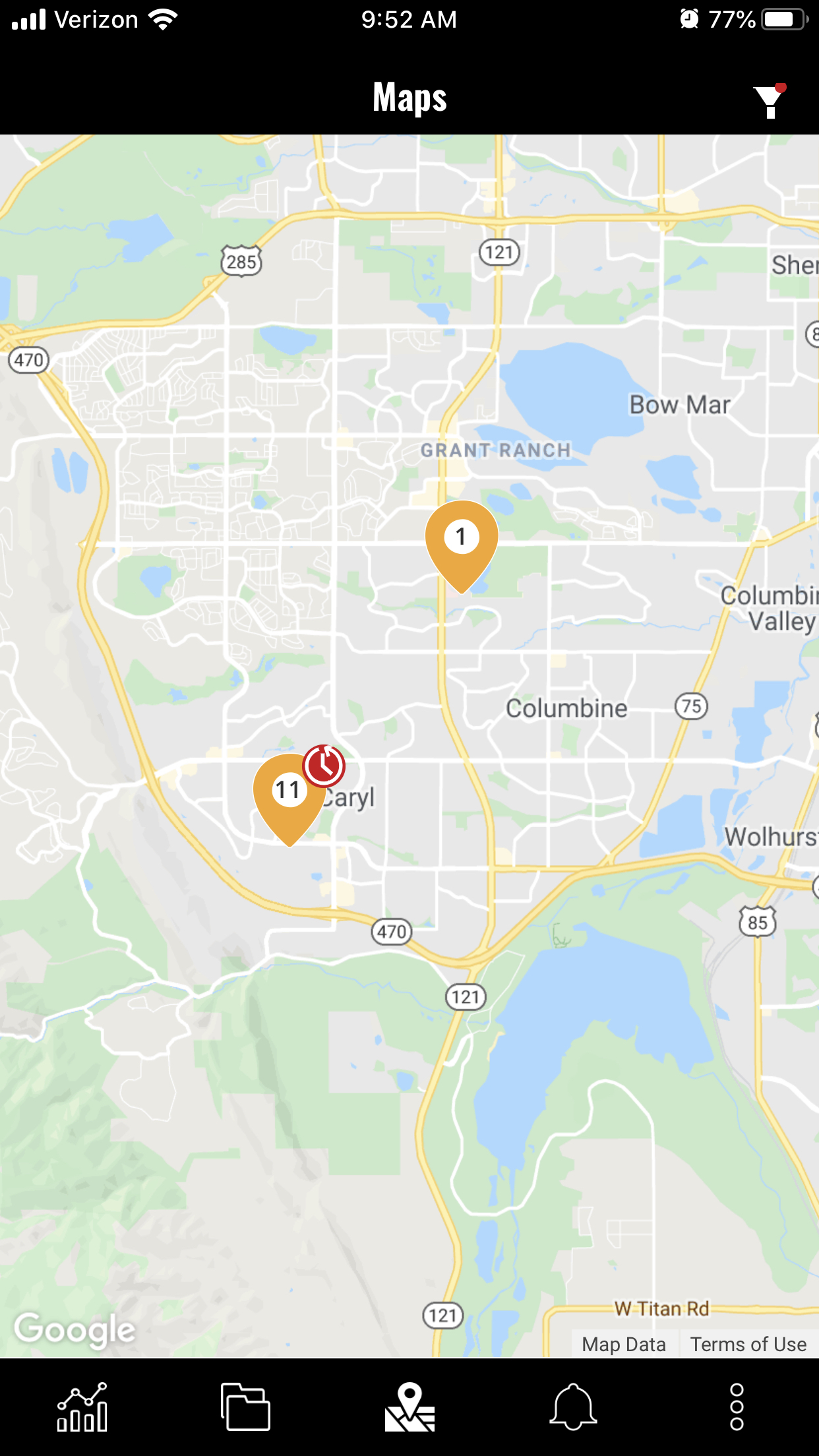
3. Selecting the Map pin will show you the Location details and Projects at that Location

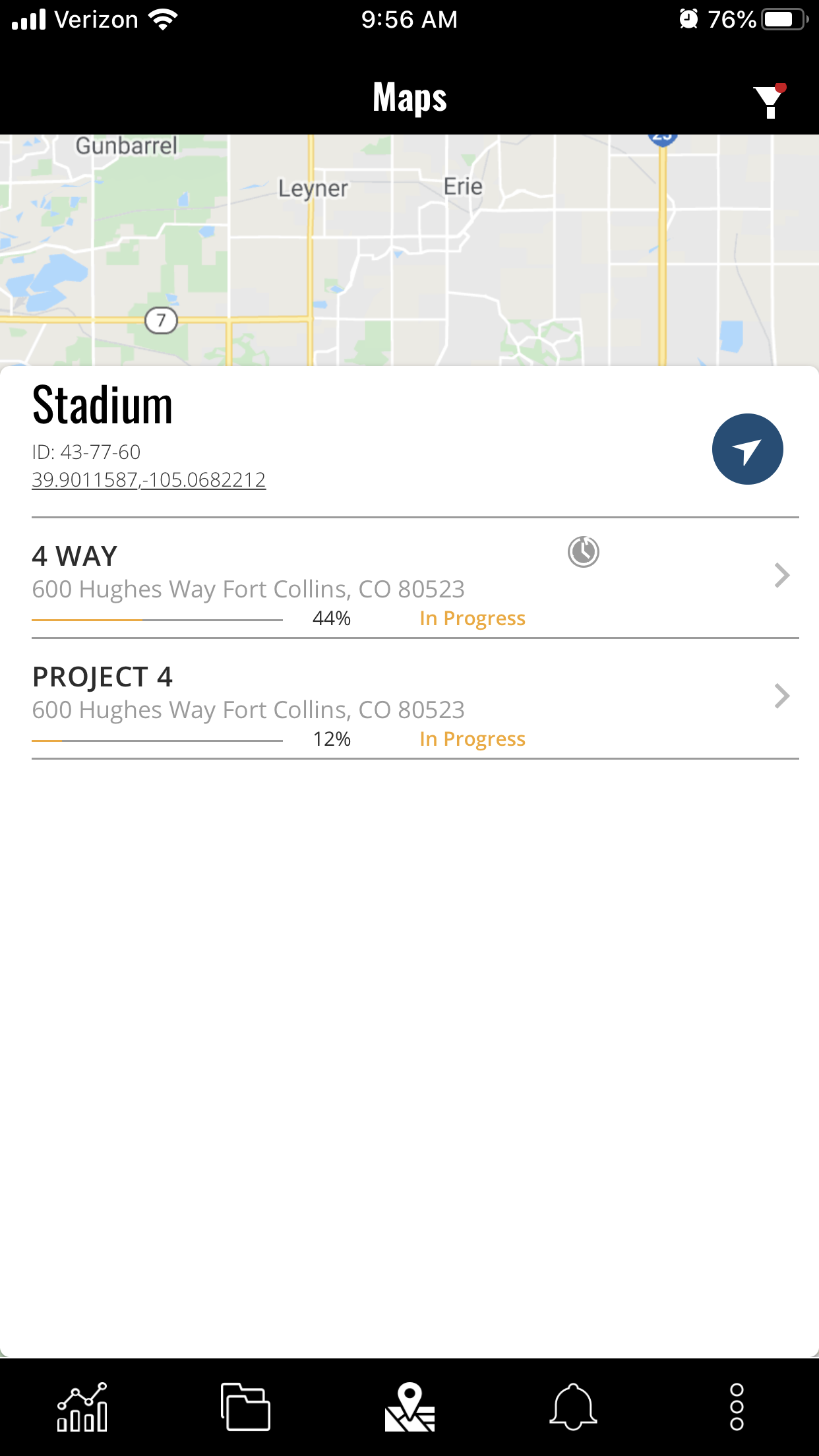
4. The Project with the Delay will have the same icon associated
5. Selecting the Project will bring up the Project Details page where you can easily view the detail of the Delay.
6. Once you have selected the Delays tab for the Project, the Delay will be marked as "Read" and will no longer show red. Your icon will be gray from here on out.
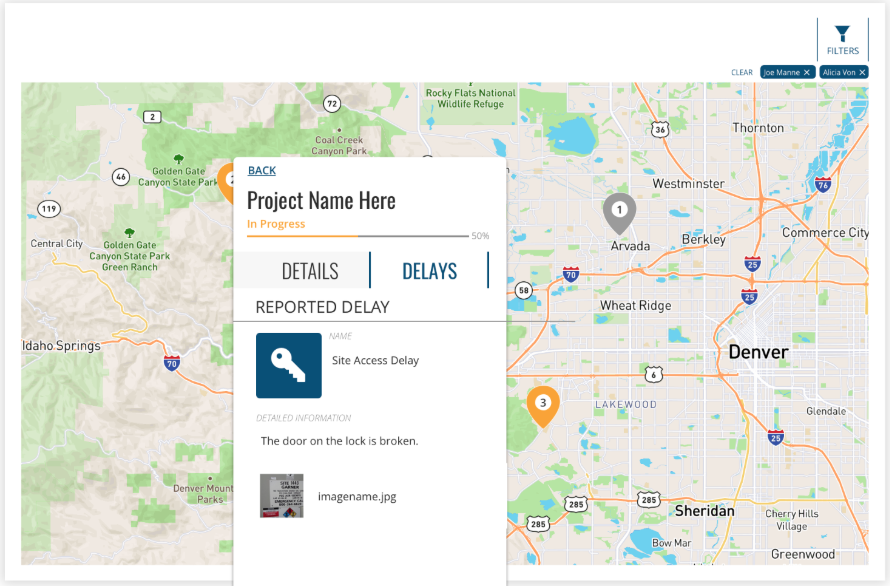
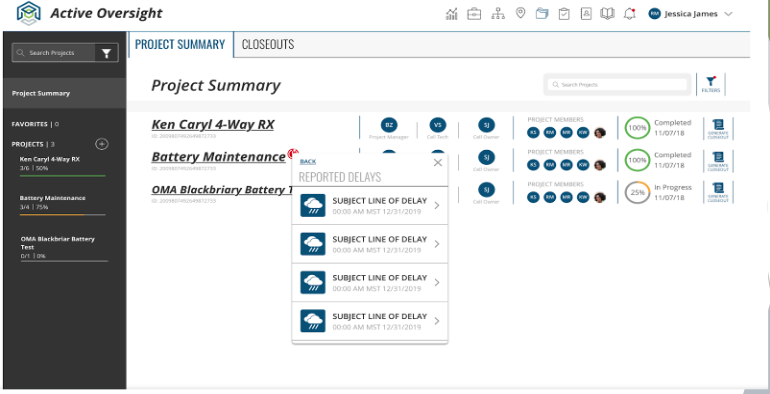
Where Else Can you View Project Delays?
- Any Project that has a Delay associated will show the same icon in the Project header.

Do you have additional questions? Contact us at activeoversight@finalze.zendesk.com.
Comments
0 comments
Please sign in to leave a comment.